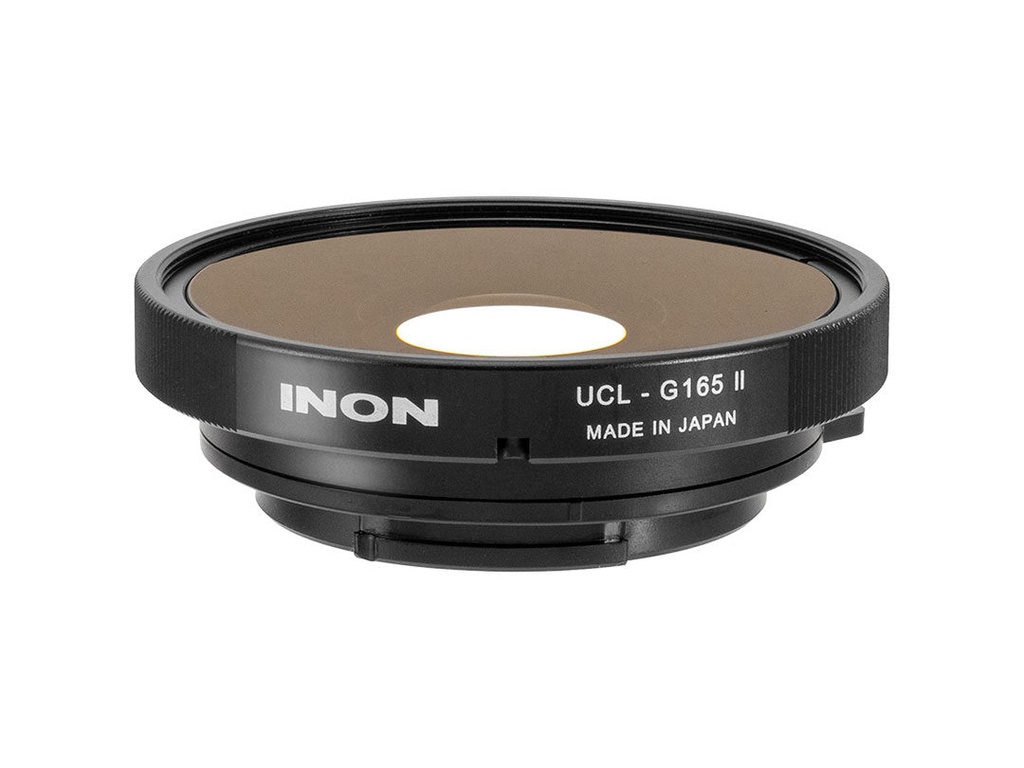
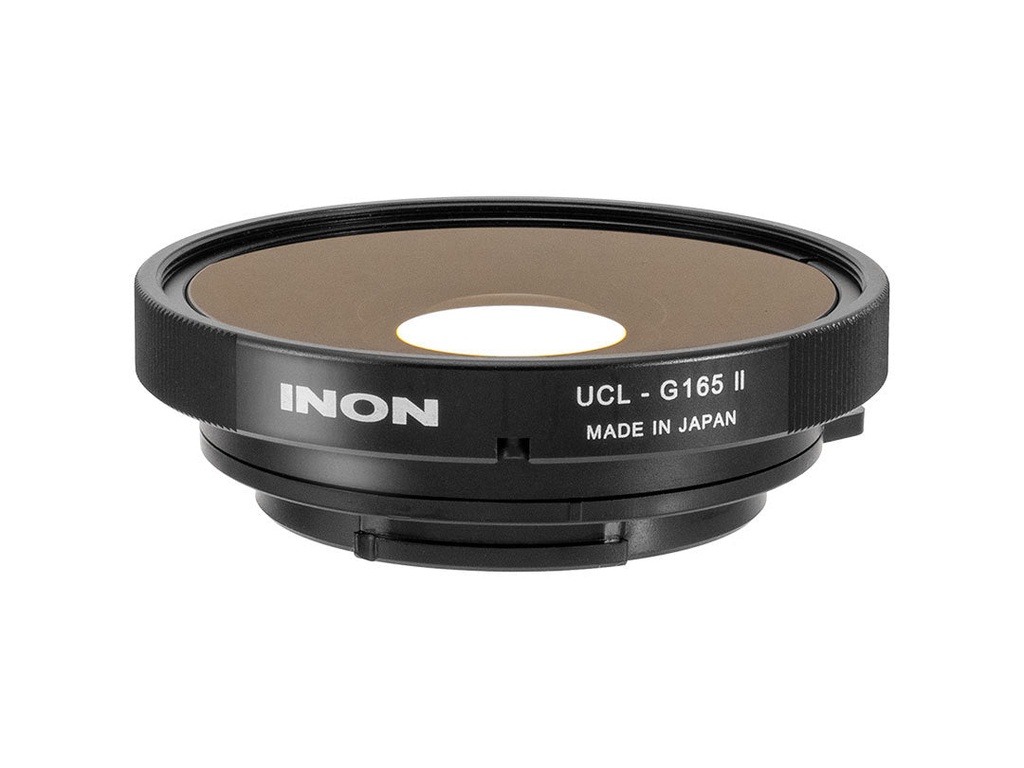

The UCL-G165II allows you to get closer to your subject, a few centimeters away, to capture the subject much larger.
Compatible camera
To attach this lens to your GoPro, you'll need the correct Inon SD Front Mask for your iteration of the GoPro HERO.
- SD Front Mask for GO 3S
- SD Front Mask for HERO9
- SD Front Mask for HERO8
- SD Front Mask for HERO5/6/7
- SD Front Mask STD
- SD Mount Cage for HERO3/3+/4
Get Closer Minimum Focus Distance
An action camera is a deep focus camera which does not require focusing but prevents a subject gets in focus in close range (within 60cm/2ft range in theory for GoPro® camera) thus not usable for underwater macro shooting. Using standard macro lens for a compact digital camera would not help the situation as it would create vignetting and very shallow depth of field preventing comfortable focusing. The UCL-G165 II lens is a wide close-up lens specifically designed for action cameras based on their optical characteristic. The depth of field (DoF) underwater will be 10cm/3.9in to 35cm/1.1ft when using the lens for GoPro® HERO13 Black supporting closer minimum focus distance underwater to capture wow photos/clips.

* The depth of field (DoF) on land is theoretical value based on focal length/aperture of camera lens and pixel pitch of the image sensor. DoF underwater is measured from "the forefront of the lens".
Ideal Angle of View for Macro Shooting

Maximum angle of view of GoPro® HERO13 Black is approx. 156° on land which will narrow down to approx. 94° when the camera is housed in genuine dive housing and submerged due to different refraction index. The INON UCL-G165 II slightly increases angle of view underwater to 110° to capture dynamic scene played by a subject as the lens frames subject larger than UFL-G140 SD which delivers ultra wide 140°.
*Measured angle of view by INON on land or calculated angle of view underwater based on the measured angle of view on land. Not confirmed by camera manufacture.
Professional-level Image Quality
Optics is constructed of 2 elements in 2 groups. All elements are made from high refractive index glass lens to minimize whole size dramatically without sacrificing performance. Both lens elements have anti-reflection coating on all surfaces to elicit combined master lens performance with less ghost/flare.
*Using with other than INON SD Front Mask may result in a significant image quality degradation due to a lack of optimization of the mounting distance between the lens and the adapter. Such usage is not covered by warranty.
NOTES
[When using the UCL-G165 II]
* The UCL-G165 II is designed only for underwater use. Using the lens on land will have vignetting.
[When using for GoPro®]
* Set the camera's field of view (FOV)/Digital Lenses to [Wide] for wide-angle macro photography that prioritizes angle of view, or [Narrow] for magnification-oriented photography.
* When using with HERO11 Black, HERO12 Black, and HERO13 Black, shoot in 4:3 or 16:9 aspect ratio as vignetting will occur in 8:7 or HyperView mode.
* [SuperView™] mode is not recommended. The SuperView™ mode stretches both ends of the image inside the camera to fit into a 16:9 aspect ratio from originally obtained 4:3 aspect ratio image by the camera sensor. Since the edges of the frame are stretched horizontally, using an attachment lens further stretches the edges of the frame, resulting in an unnatural image.
Set the camera's image stabilization (HyperSmooth) to [Standard], [High], or [On]. Setting to [Off] will cause vignetting in image corners, and [Boost] will crop the image significantly.
*The FOV/Digital Lenses setting [Wide] in Photo mode causes vignetting in image corners.
[When using Insta360 Ace Pro]
Avoid setting combinations of [ActionView] + 4K/16:9 or [UltraWide] + 4K/4:3 as they will have vignetting regardless of whether image stabilization is activated or not.
When shooting video, even in FOV settimg other than the above, the Focus Stick may be appeared in a clip if the camera is moved abruptly.
In photo mode, [UltraWide] + 48MP/4:3 will have vignetting. Note that optional Focus Stick will be exposed on an image as well.
[When using for TG-Tracker]
* Activate image stabilization function of the camera while shooting video to avoid vignetting. When taking still images, do not use attachment lens to avoid significant vignetting on image corners.
* Since the camera is designed to offer optimal focusing performance for close range subject, usable range of DoF (depth of field) with this lens is "2cm/0.8in to 15cm/5.9in" and distant subject beyond this range gets blur.
[When using for FDR-X3000/HDR-AS300]
* Select SteadyShot (Movie) [Act] when shooting video as [Std] and [OFF] cause slight vignetting. Select SteadyShot (Still) [ON] when shooting still image. Excessive camera movement may result vignetting even SteadyShot (Movie) [Act] is selected.
* Set angle of view to [W: Wide] for wide-angle macro shooting that prioritizes angle of view, or [N: Narrow] for magnification-oriented imaging.